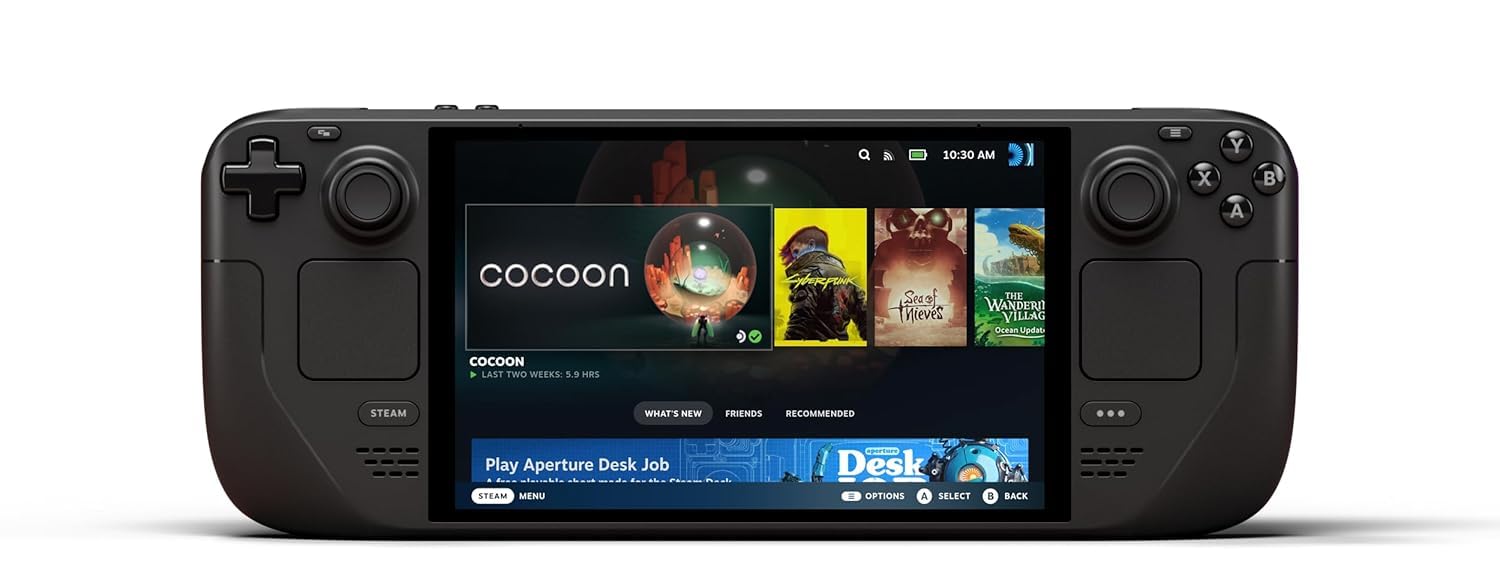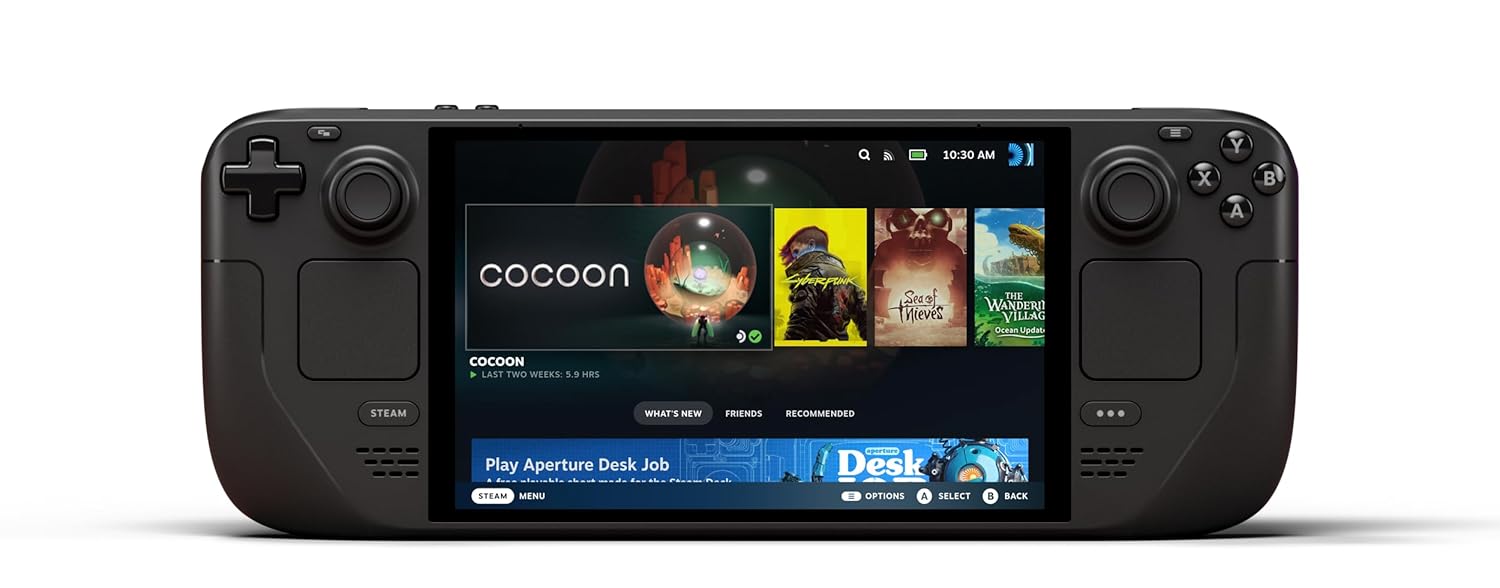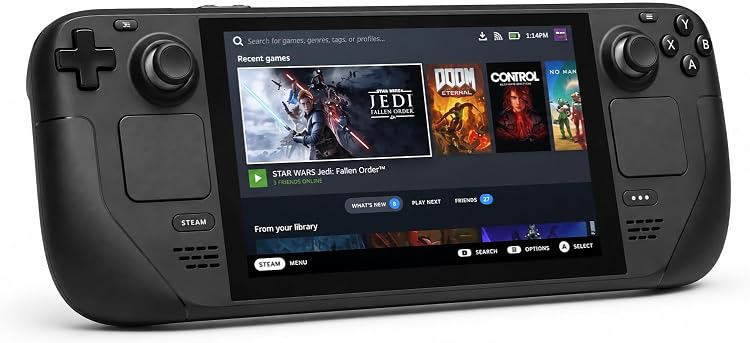
The photo and the Check Price on Amazon button use one listing: Valve Steam Deck OLED 512GB Handheld Gaming Console – Featuring A High Dynamic Range Screen, A Longer-lasting Battery, Faster Downloads, And Much More. Other configurations discussed below are context, not substitutes for this link.
Valve’s Steam Deck is a handheld PC that boots into SteamOS and plays a large slice of a Steam library without a separate console account. The model to identify in a Black Friday listing is the Steam Deck OLED: a 7.4-inch HDR OLED at 1280 by 800, up to 90 Hz, a more efficient 6 nm version of Valve’s custom APU, a 50 Wh battery, and storage sold in 512 GB and 1 TB configurations. It has the same idea as the original LCD Deck: two thumbsticks, a D-pad, face buttons, shoulder triggers, four back paddles, and a trackpad on each side, with haptics and gyro. It is not a Windows handheld you have to build, though people do install Windows later if they want to. Out of the box it is a Steam machine. The OLED revision is the one Valve kept as the current Deck after it replaced the LCD model in the lineup.
What changes when you leave the TV
The screen is the obvious change from the first Deck. OLED black levels matter in a dim room, HDR matters in games that actually send an HDR signal, and 90 Hz matters in games that can hold a high frame rate at this resolution. 1280 by 800 is not a 4K panel. Demanding games need lowered settings, and some new releases are marked unsupported or playable rather than verified. Steam’s own labels — Verified, Playable, Unsupported — are the honest guide, and they are per game. A Black Friday headline that says the Deck “plays everything on Steam” is false. Anti-cheat middleware and launchers still block some multiplayer games. Check the specific games you care about on the store page before you treat the handheld as a replacement for a desktop.
Controls are the other half of the product. The trackpads and the gyro are why this handheld can handle games that expect a mouse. You can map a trackpad to a cursor, set a gyro to a stick, and save the layout. That takes an evening to learn and then becomes the reason a strategy game or an older PC title is comfortable here. If you only ever play games with full controller support, the pads still help, and you will not have to become a layout author on day one.
Battery life depends on the game. A 2D title at low brightness runs far longer than a new 3D game at 90 Hz. The 50 Wh pack is larger than the 40 Wh pack in the earlier LCD model, and the 6 nm APU is more efficient, which is why Valve’s OLED Deck is the better travel machine of the two. It is still not an eight-hour console for a heavy game. A USB-C charger belongs in the bag. The internal battery is not a user-swappable afternoon project for most owners, so a used unit with a tired battery is worth less than the seller’s adjective suggests.
Storage is an SSD. 512 GB is enough for a few large games if you are willing to uninstall. 1 TB is the more comfortable holiday buy if your library is full of 50 GB titles. MicroSD expansion works for many games and is slower than the internal drive. A listing that says “1 TB” should say whether that is the internal SSD or a 512 GB Deck with a card in the slot. Those are not the same product.
OLED, LCD, and everything that is not a Deck
The original Steam Deck LCD has a 7-inch 60 Hz screen and the older APU and battery. It plays the same SteamOS library. It is heavier to recommend as a new purchase unless the price gap is large and you do not care about the screen. Refurbished LCD units are common. Do not pay an OLED price for one. Read the screen type.
Other handhelds run Windows and a different store layout. A ROG Ally, a Legion Go, or a similar PC is not a Steam Deck. They can be good machines. They are not this article. Valve’s own later hardware, if a newer Deck is on the market when you read this, is also not automatically the OLED model named here. Read the model. The OLED’s identifiers are the 7.4-inch HDR screen, 90 Hz, and the 512 GB or 1 TB SSD options Valve used for this revision.
The Deck wants a Steam account and a library, or a willingness to buy games during the seasonal sale. It is a weak gift for someone who does not already like PC games, unless you are also ready to sit with them for the first setup: Wi-Fi, account login, and a tutorial through the buttons. It is a strong gift for someone who has a Steam library and a commute.
Valve Steam Deck Black Friday Buying Advice: Black Friday Deals 2026
Buy from a seller who states OLED, the storage as internal SSD capacity, and the region of the plug. The Deck uses a USB-C charger. Confirm one is in the box, along with the case if the listing shows Valve’s carrying case. The case is part of how this device survives a backpack, and a unit sold without it should be priced as such.
On a used Deck, test inside the return window. Put a thumb on each stick and check for drift in the controller test. Press every back paddle. Listen for a fan that scrapes. Download one Verified game you know and one that is only Playable, and see that both start. Run a battery cycle far enough to know it is not dying at 20 percent. Look at the OLED for a stain or a pressure mark. None of that is a benchmark. It is how you avoid a dropped unit.
Do not pay extra for a “preloaded” library. Games are licensed to a Steam account, not to the plastic. A seller’s account left on the device is a liability, not a bonus. Factory reset it, sign in with your own account, and install your own games. Also ignore claims that a Dock bundled in the listing is required. The official Dock is useful for a TV and Ethernet. The handheld is complete without it.
Black Friday is when OLED and LCD listings sit side by side and the titles get sloppy. The Steam Deck worth hunting is the OLED model with a real internal SSD, a charger, and a clean Steam logout from the previous owner. Check the screen type twice, then look at the live price.