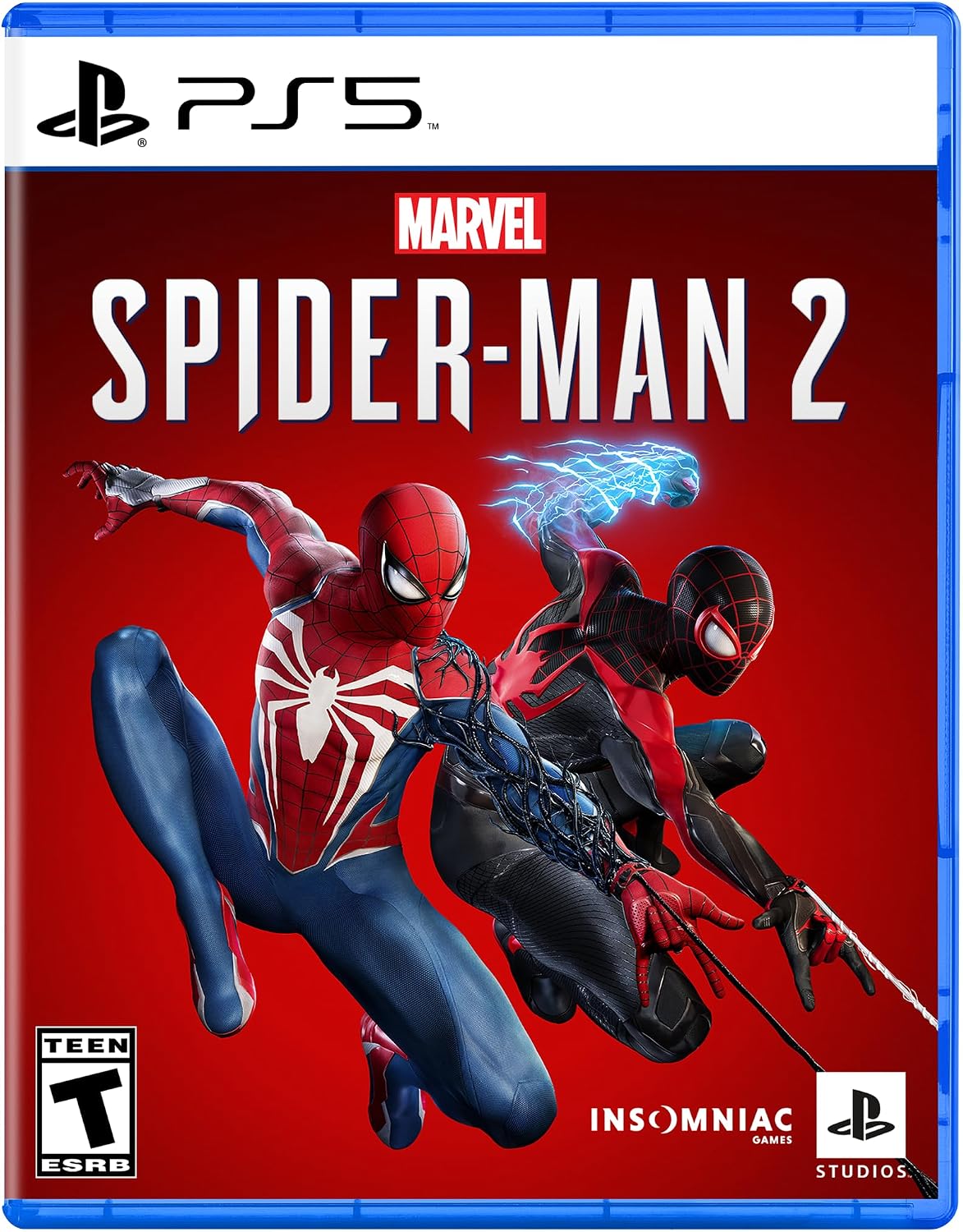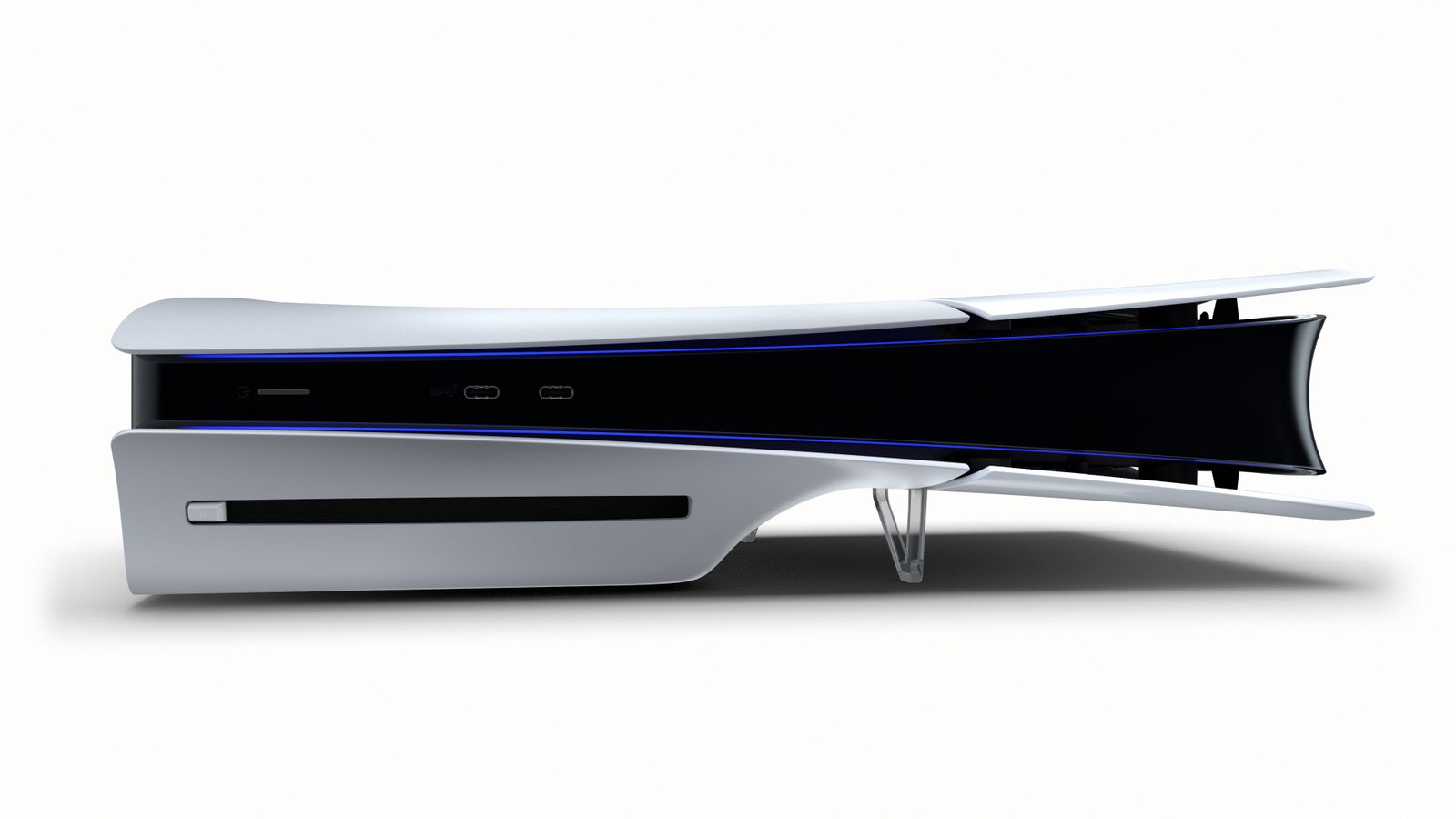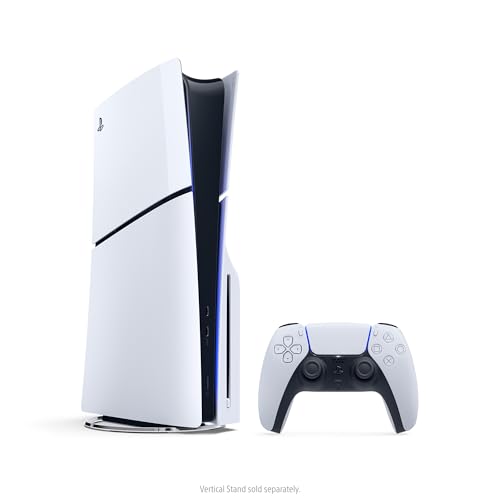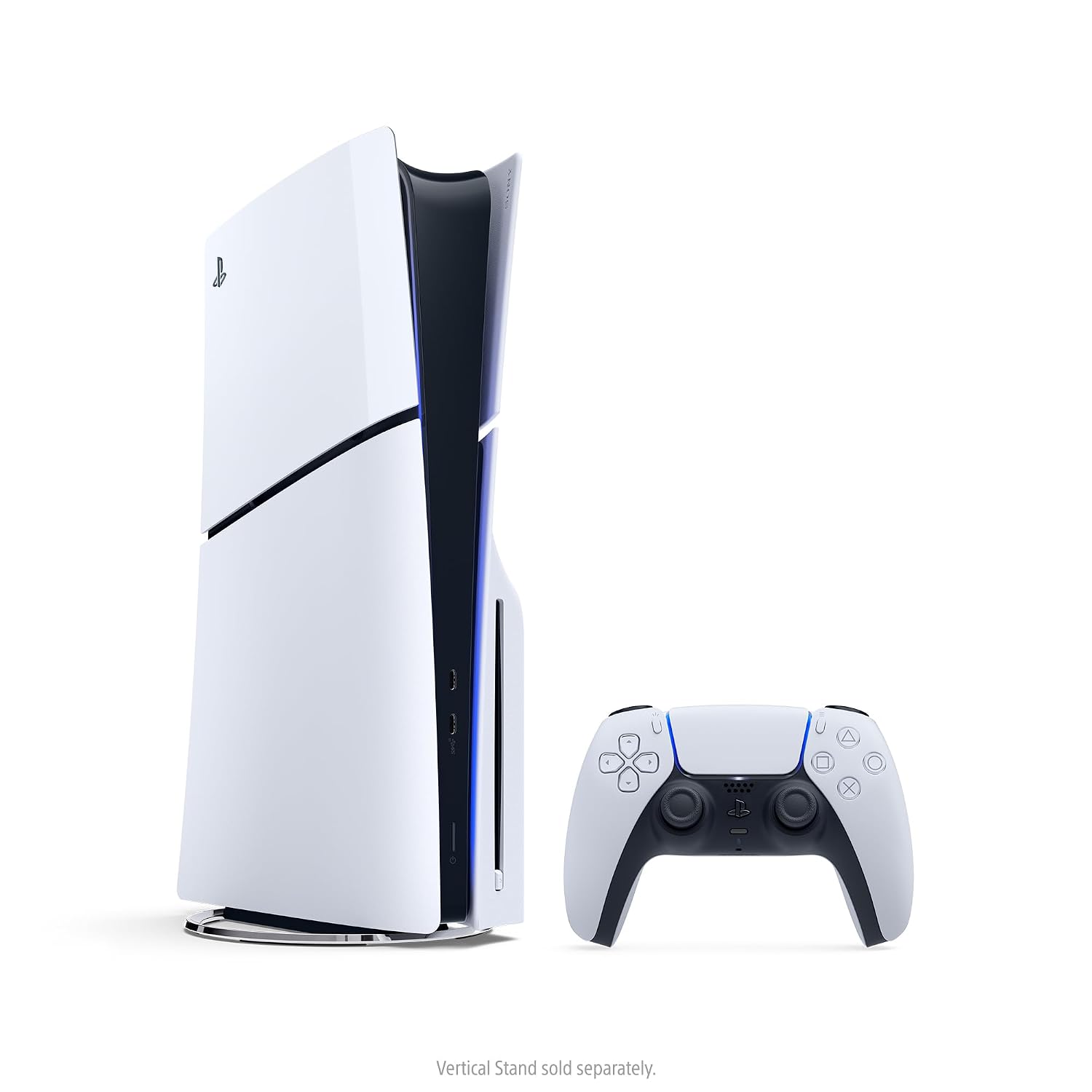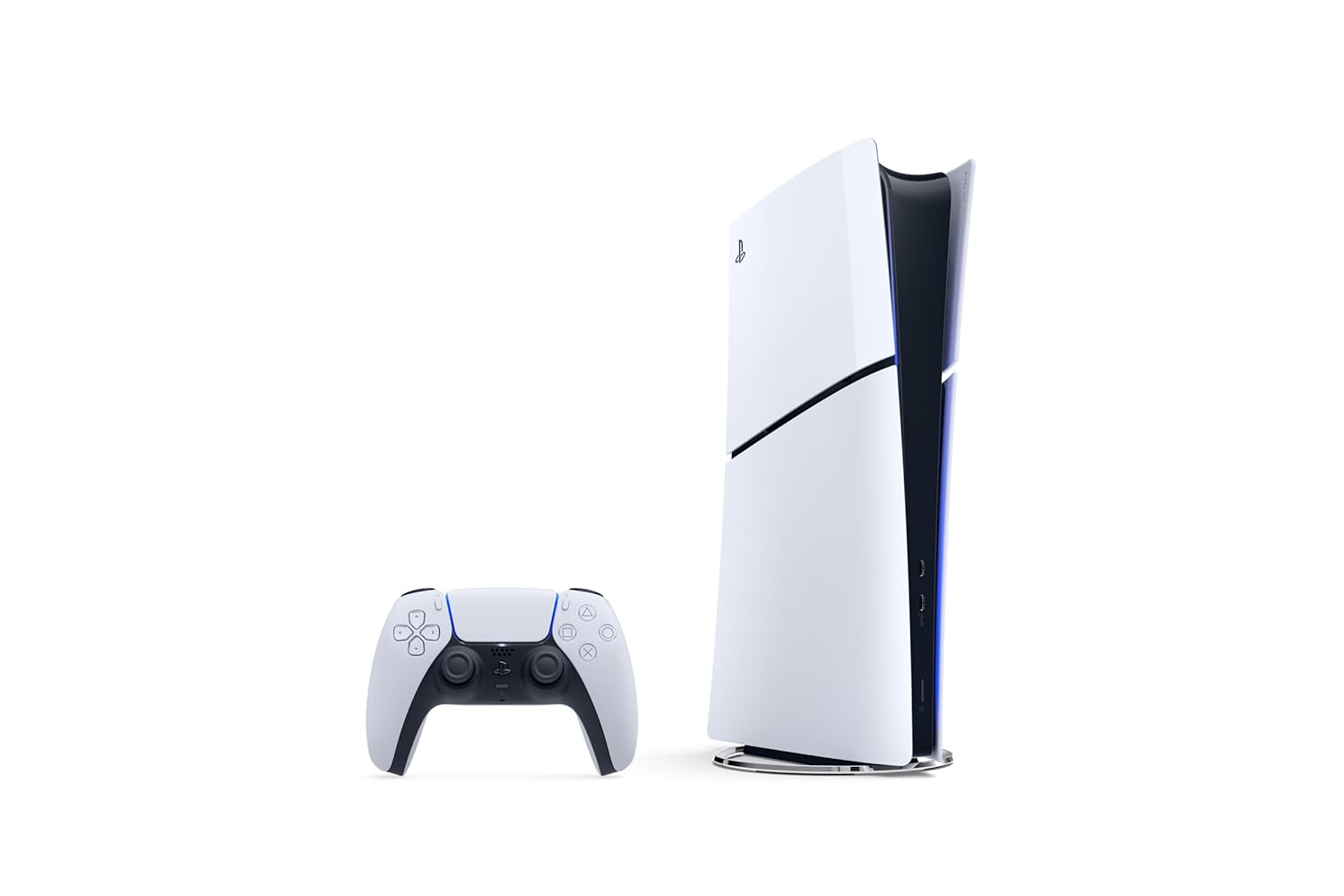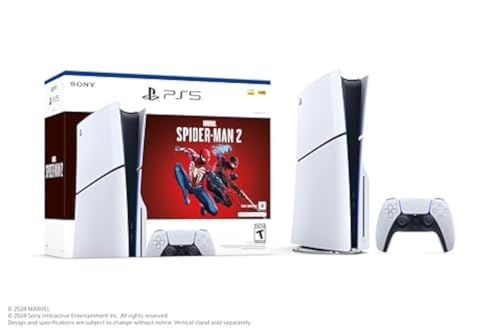
The bundle linked on this page is a PlayStation 5 Slim in the CFI-2000 model group with a Marvel’s Spider-Man 2 digital voucher. The voucher is a full game code, not a disc. The page lists a 1TB SSD, one DualSense, two horizontal stand feet, an HDMI cable, an AC cord, a USB cable, and Astro’s Playroom pre-installed. It does not say whether the console itself has a disc drive. Do not call this box a disc console or a Digital Edition until the live title says which.
A PS5 bundle is a PlayStation 5 plus something else in the same offer. The something else is usually a game code, an extra DualSense, or a store credit. It is not a different console. Black Friday pages photograph the extras so loudly that the console underneath becomes a guess. Read the console first. Then read what the bundle actually adds.
The console in a bundle is still one of the real PS5 models. The slim disc version has a disc slot and, in the common configuration, a 1TB SSD. The slim Digital Edition has no slot unless you add Sony’s official detachable drive later, and that drive is a separate product for compatible Digital models and the PS5 Pro. The PS5 Pro is a stronger console, commonly with 2TB of storage, and it does not include a disc drive unless the bundle says the official drive is in the box. A launch-model PS5, the larger original shape, still shows up used. A bundle that does not say slim, Digital, disc, or Pro has not told you which machine you are buying.
What a bundle is allowed to add
A fair bundle adds a named game, a second controller, or a credit you can see. A digital game code is a license on a PlayStation Network account. It often expires if you do not redeem it, and it is not a disc you can lend. A physical game is a disc, and it is useless on a Digital Edition until a compatible drive is attached. An extra DualSense is useful and does not change the console’s storage or graphics. A headset, a charging dock, or a media remote is an accessory. None of those turn a Digital Edition into a disc console or a slim into a Pro.
“PS5 bundle” is also how retailers describe a console that includes one particular game in the box art and nothing unusual in the hardware. The hardware spec line still has to match a normal PS5 of that model. If the spec line is quieter than the game art, believe the spec line. Storage claims need the same reading. The 1TB on a slim is the drive size before the system takes its share. A bundle that says 2TB might be a Pro, or it might be a slim plus a USB drive that cannot run PS5 games at full speed. Ask which device holds that 2TB. An internal M.2 of Sony’s required speed is an upgrade. A portable hard drive is not the same sentence.
Accounts and region still apply. A game code is redeemed by an account in a particular store region. A disc follows the normal rules for that disc. The bundle does not create a second account or remove a parental control. You need an HDMI display, an internet connection for the first update, and a DualSense. A DualShock 4 from a PS4 does not replace the controller in the box.
PS5 Bundles Black Friday Deals 2026: how to open the offer
Write the console model down before you look at the game. Disc slim, Digital slim, or Pro. Then write the extra: which game, whether it is a code or a disc, whether a second controller is the official DualSense, and who sells the bundle. A marketplace seller using a store’s name is not the store. Return windows on bundles can exclude opened game codes even when the console can go back. Read that line. A code you redeem and a console you return is how people end up paying for a game they meant to refuse.
Used bundles should say used. A console that is still registered to someone else, or that was never reset, is not a gift. Power it on, create or sign in with your own account, and confirm the model in the system settings matches the listing. Pair every controller the bundle promised. If a code is included, check the expiry before you depend on it. If a disc is included, put it in the slot. A Digital Edition will not have a slot. That is the moment you learn the bundle was the wrong console, and it should still be inside the return window.
Skip a bundle that will not name the console model. Skip a bundle that promises a disc drive on a Pro without stating that the official drive is included. The PS5 you want is a specific machine. The bundle is only the extra packed with it. Black Friday is a reasonable week to buy that pair when both parts are named. It is a bad week to buy a poster of a game and discover the console underneath is the Digital Edition you cannot play your discs on. Say the model, then the extra, and stop.
A practical split helps. If your shelf is discs, the bundle has to be a disc-edition PS5, and any game in the offer should be a disc or you should already own a compatible drive. If you buy only from the PlayStation Store, a Digital Edition bundle with a code is coherent, and a disc in that bundle is a paperweight until a drive exists. If you want the Pro, the word Pro has to be on the console line, and the storage and the drive have to be stated separately. Write those three lines on a note before you pay. When the box arrives, match them to the hardware before you redeem a code you cannot give back. Black Friday bundles are loud about the game and quiet about the console. Reverse that order and the offer is easy to judge. The PS5 does not change because a second controller was taped to the carton. Count the controllers, name the game, and read the console model in the settings menu before you call the bundle complete.